Documentation, word for word
ExactDocs is a self-hosted MCP server that gives coding agents the docs of the library version you actually use. Point it at a git repository and it serves the Markdown there, verbatim, pinned to the tag, branch or commit you imported, with the file and commit each answer came from.
Get started Connect an agent Source on GitHub
docker run -d -p 3000:3000 -v exactdocs-data:/data ghcr.io/sircypkowskyy/exactdocs:latest
# or, without Docker
uvx exactdocs serve
TL;DR
- ExactDocs is a self-hosted MCP server: point it at a git repository and agents get its docs verbatim, pinned to the tag, branch or commit you imported.
- The version is a hard filter, and every chunk names its file, heading and commit.
resolve-library-idandquery-docsmatch context7's, so a context7 client needs only a new URL.- The standard image runs BM25 on SQLite with no model; AI retrieval is optional.
- Start with
docker runoruvx exactdocs serve, then follow Getting started.
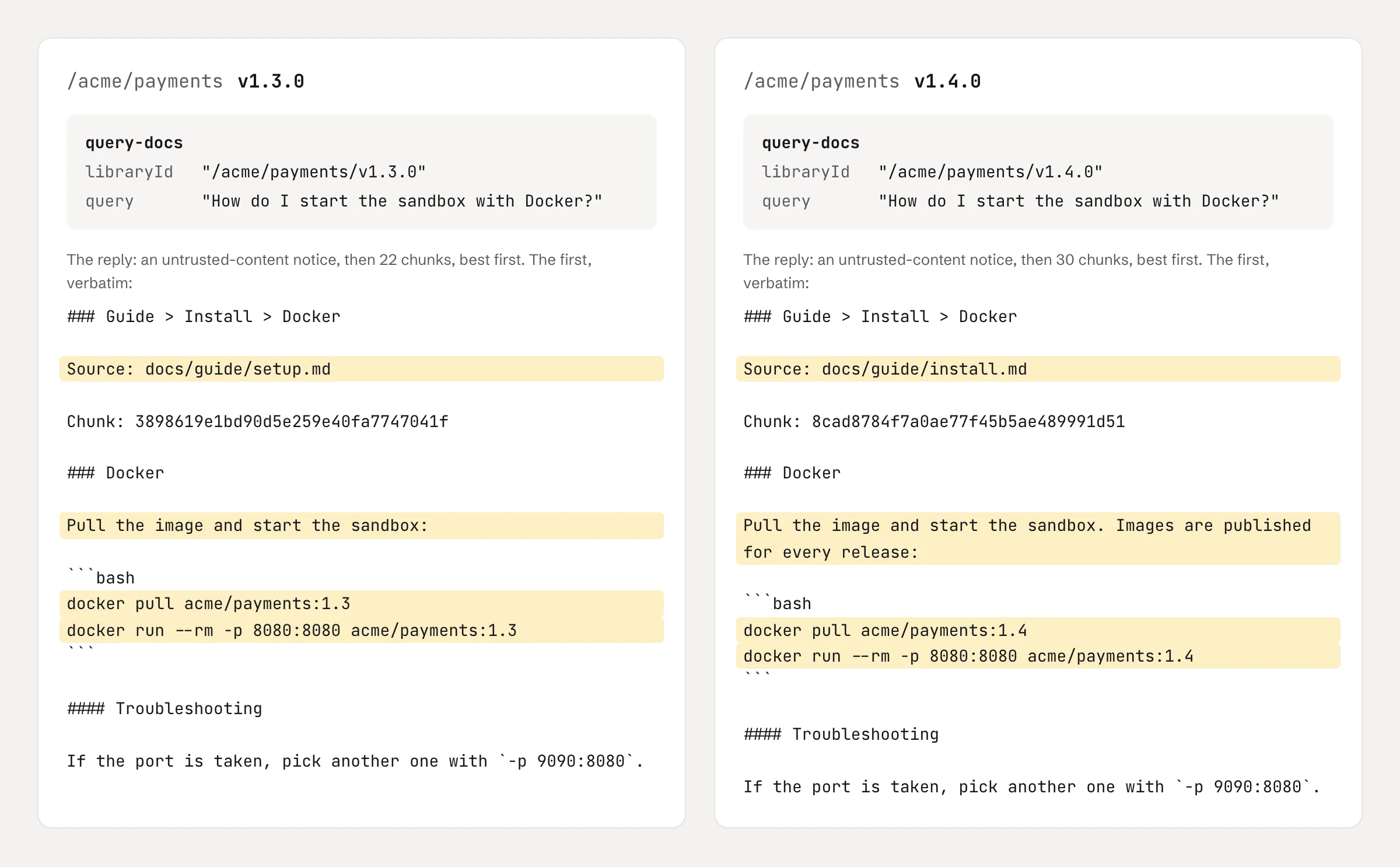
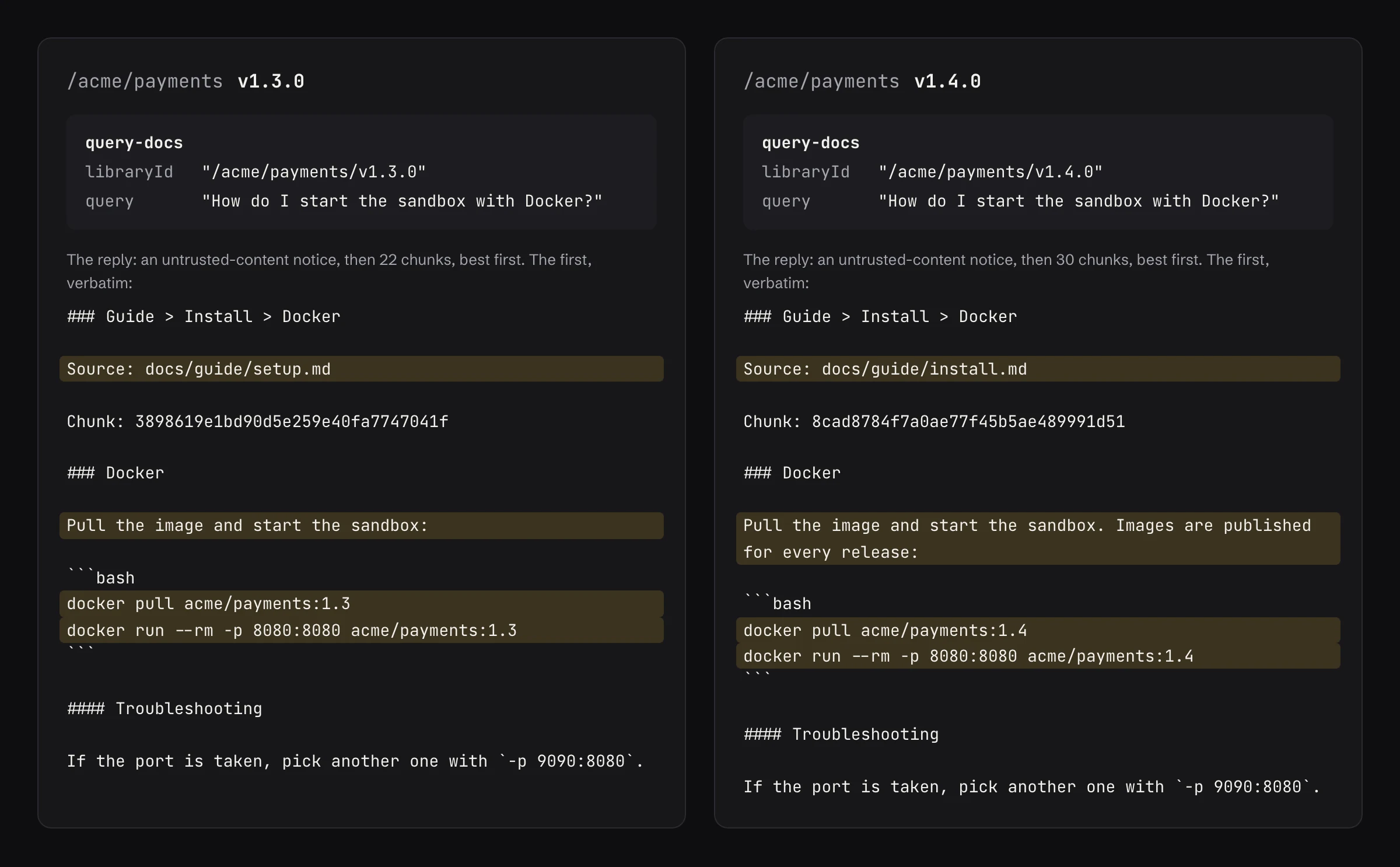
query-docs output from the test fixture library; the highlighted lines are the ones
that differ. Ask about a version that is not imported and the answer is an explicit "not found",
never another version's text.What you get
The version is a hard filter
Every library version is a git ref resolved to a commit SHA, and every search runs inside one version. In the benchmark, no configuration returned a chunk of another version for any of its 321 questions.
The original text, with its source
Markdown and MDX come back as written, and Sphinx reStructuredText as the Markdown it was converted to on import. Each chunk names its file, heading and commit, and links to the file on your git host.
Your repositories, public or private
GitHub, GitLab, Bitbucket, Gitea or any git server. You choose the folders and files, and only those are imported. Branches stay fresh by hand, on a schedule or by webhook.
The tools agents already know
resolve-library-id and query-docs match context7's, so a client set up for context7 needs only
a new URL. More tools list, browse, read and search one version. See MCP.
Light until you ask for more
The standard image runs BM25 on SQLite with no model. Hybrid search, rerankers, HyDE and an agentic mode are optional, on hosted models or on your CPU. See Search and AI models.
It stays on your network
There is no telemetry. The only outbound connections go to the git hosts, model endpoints and trace collector you configure. Accounts, OpenID Connect and library roles decide who reads what.
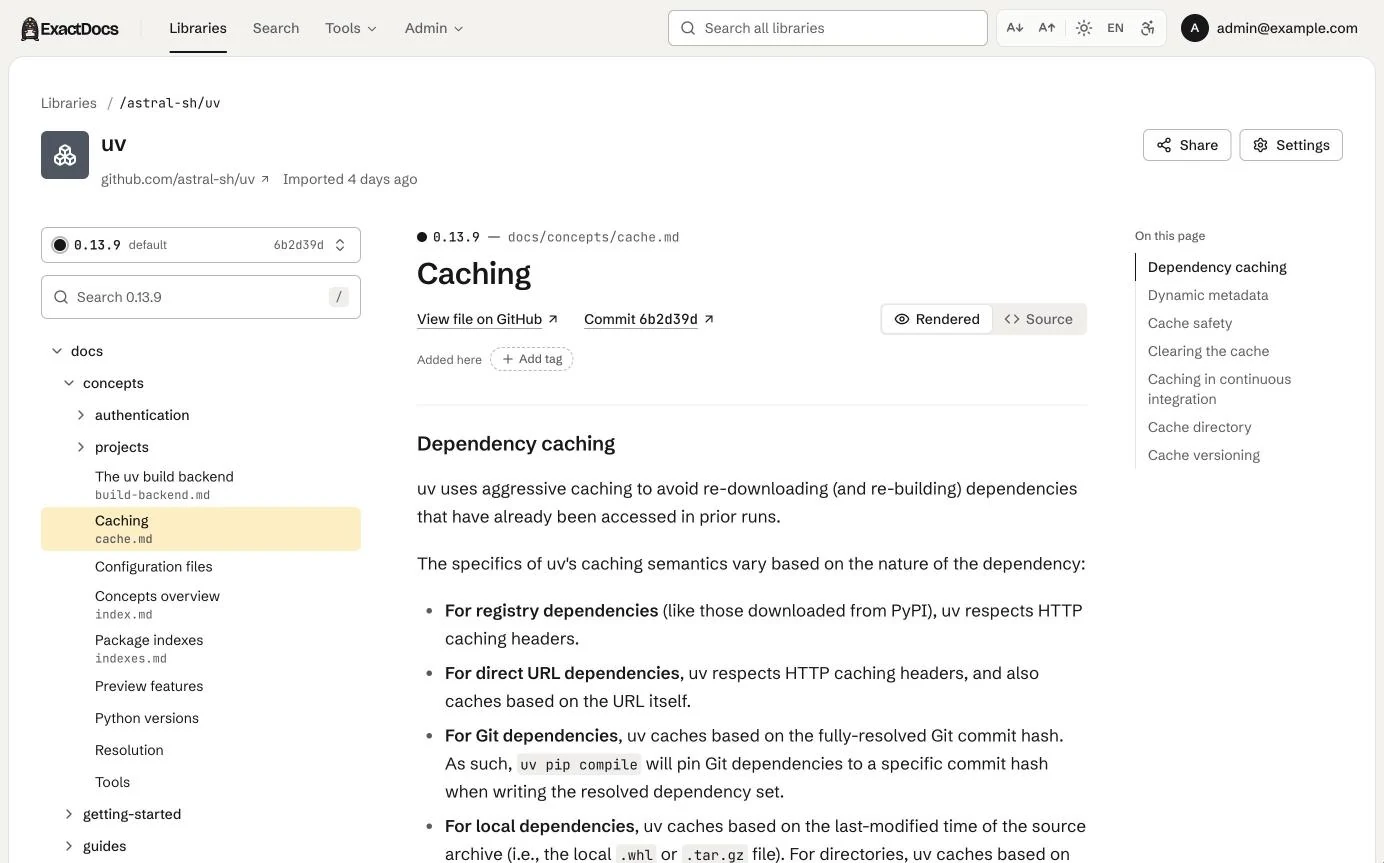
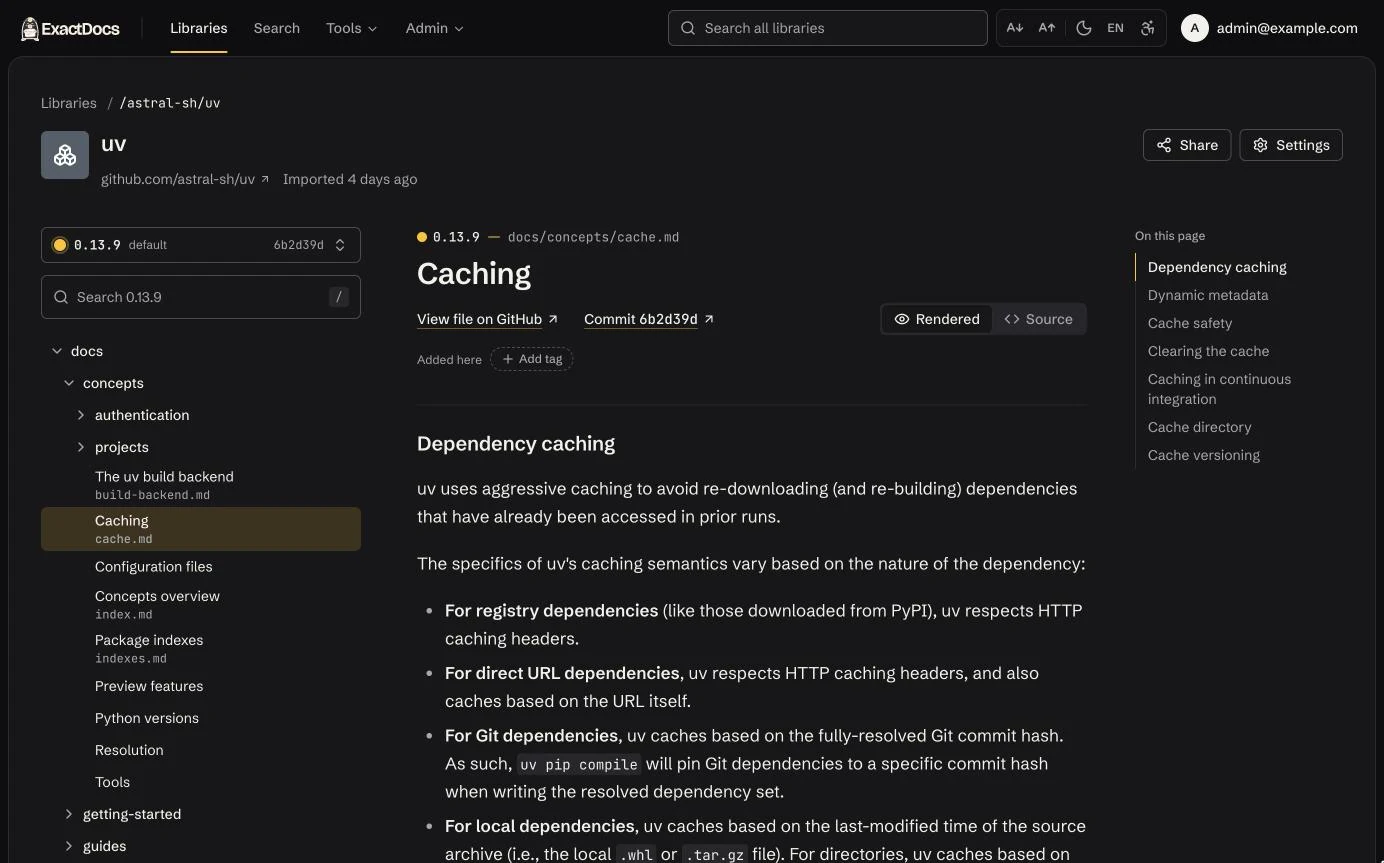
What it looks like
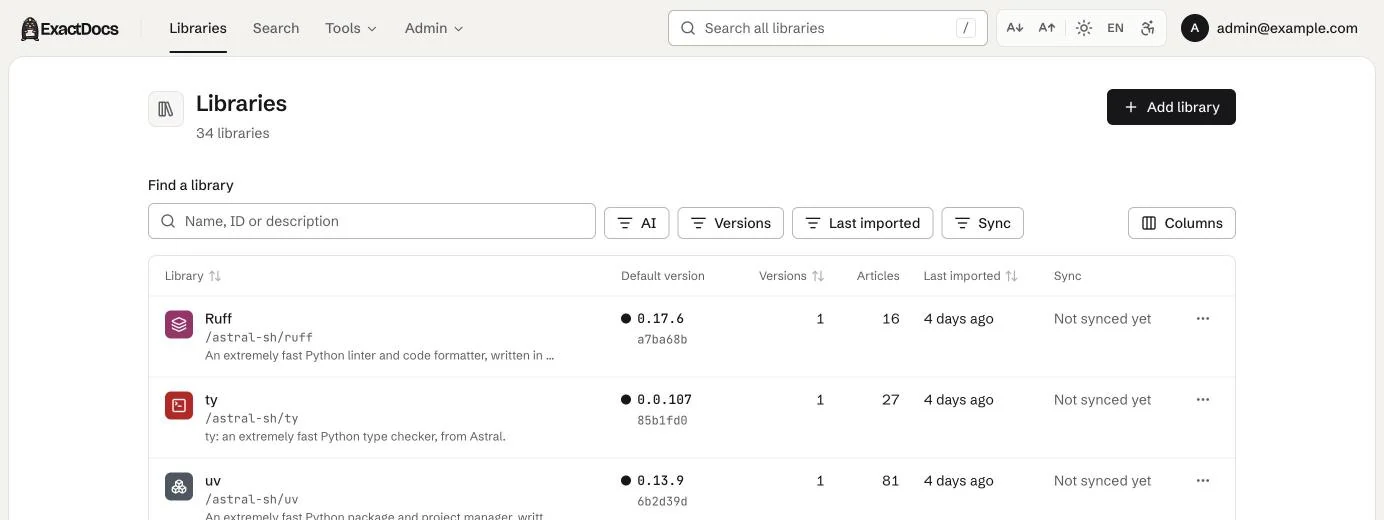
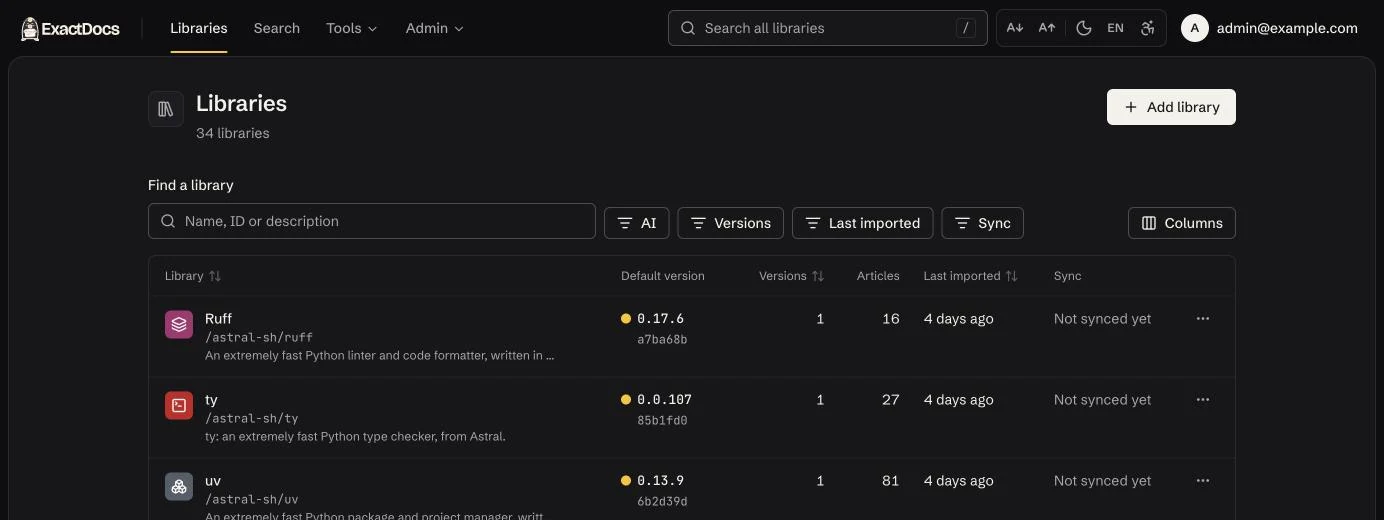
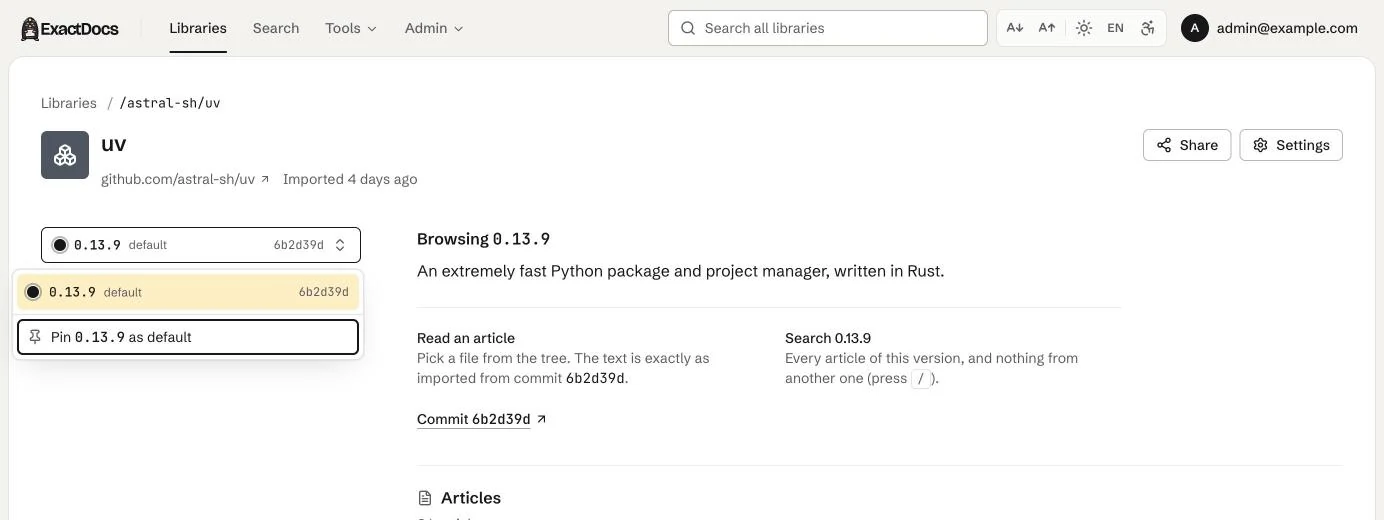
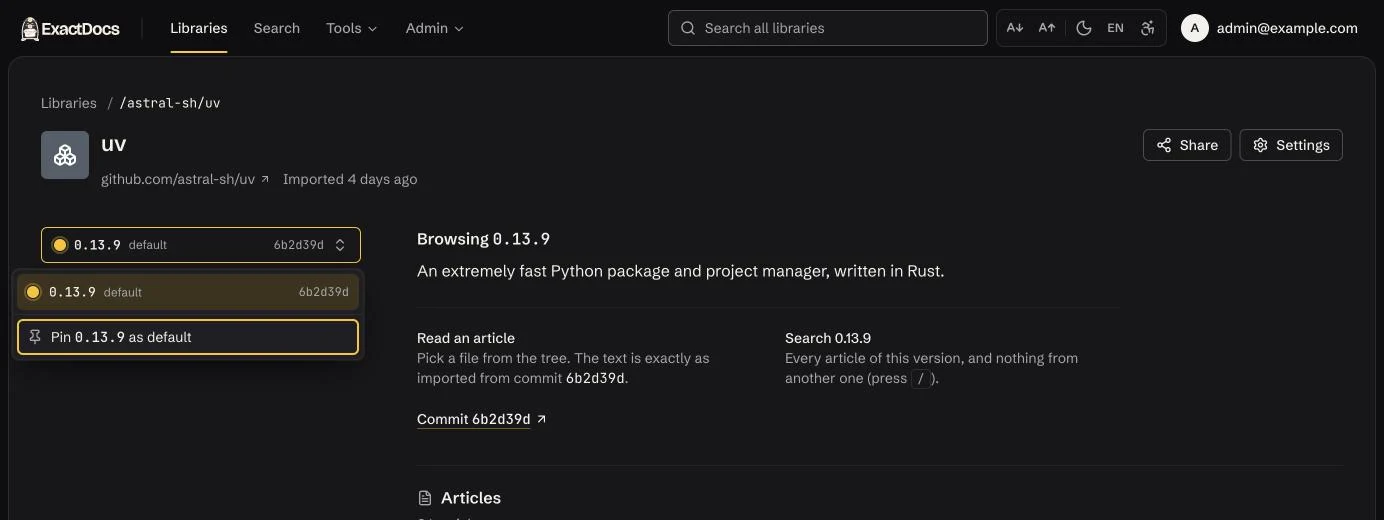
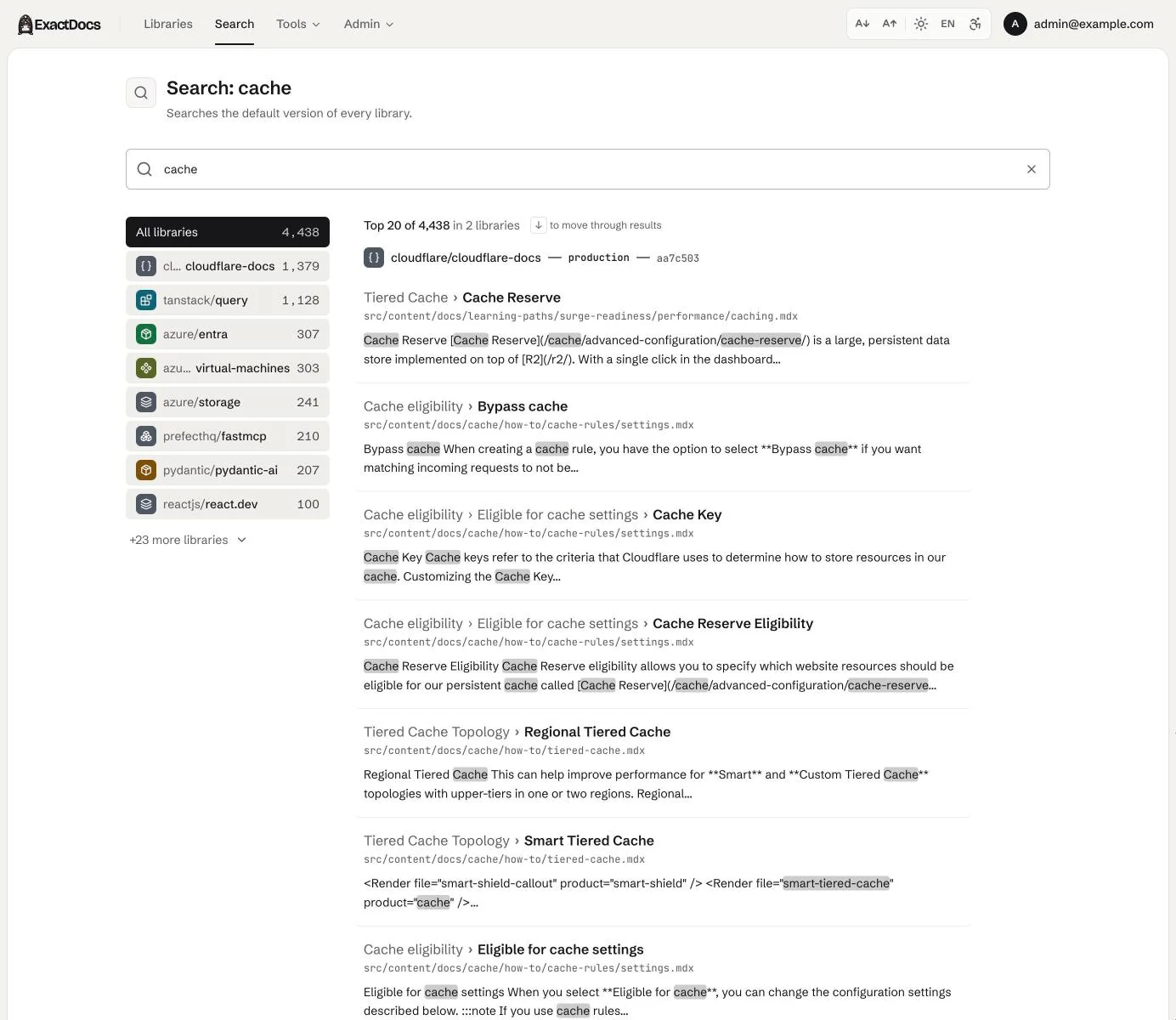
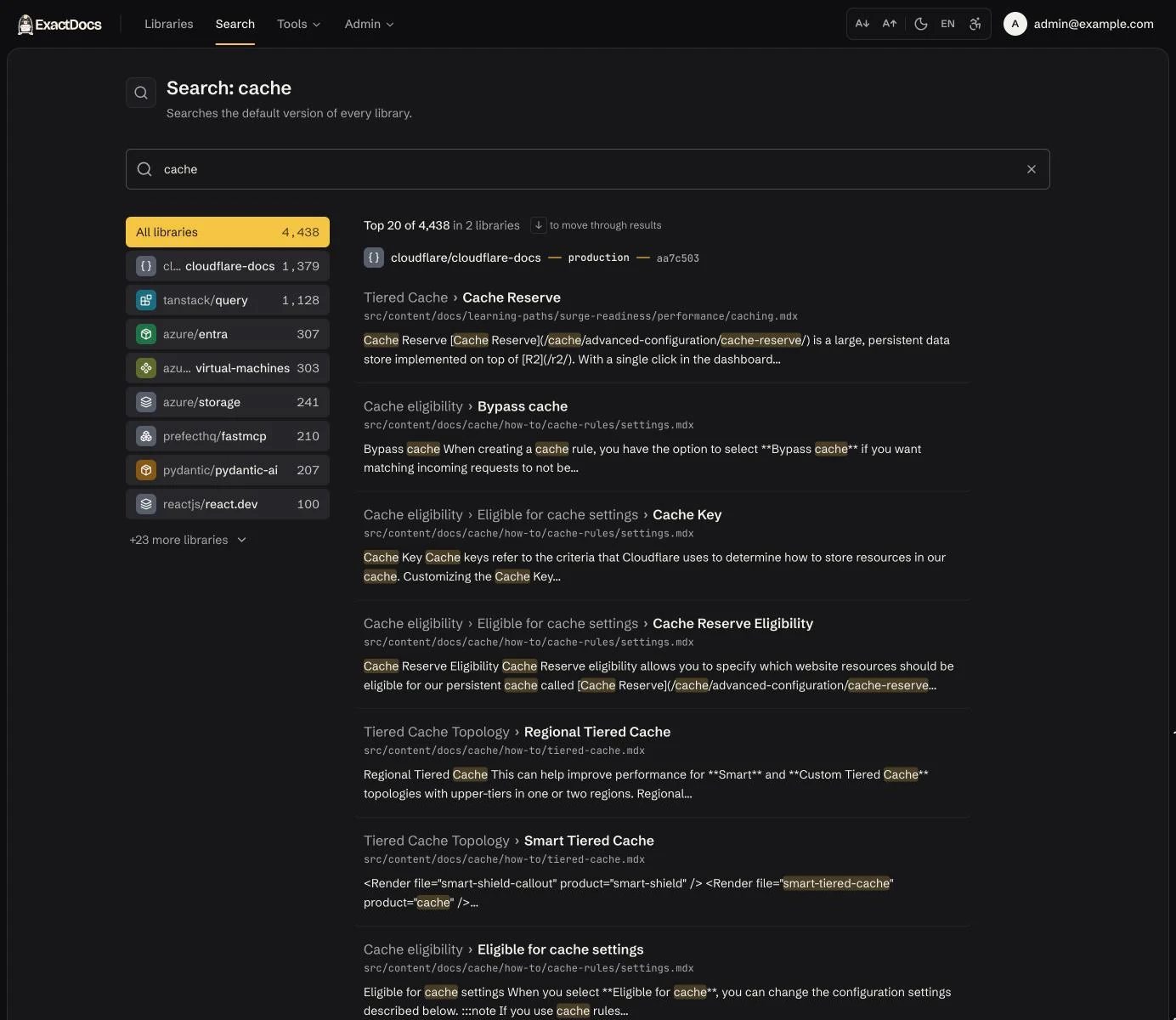
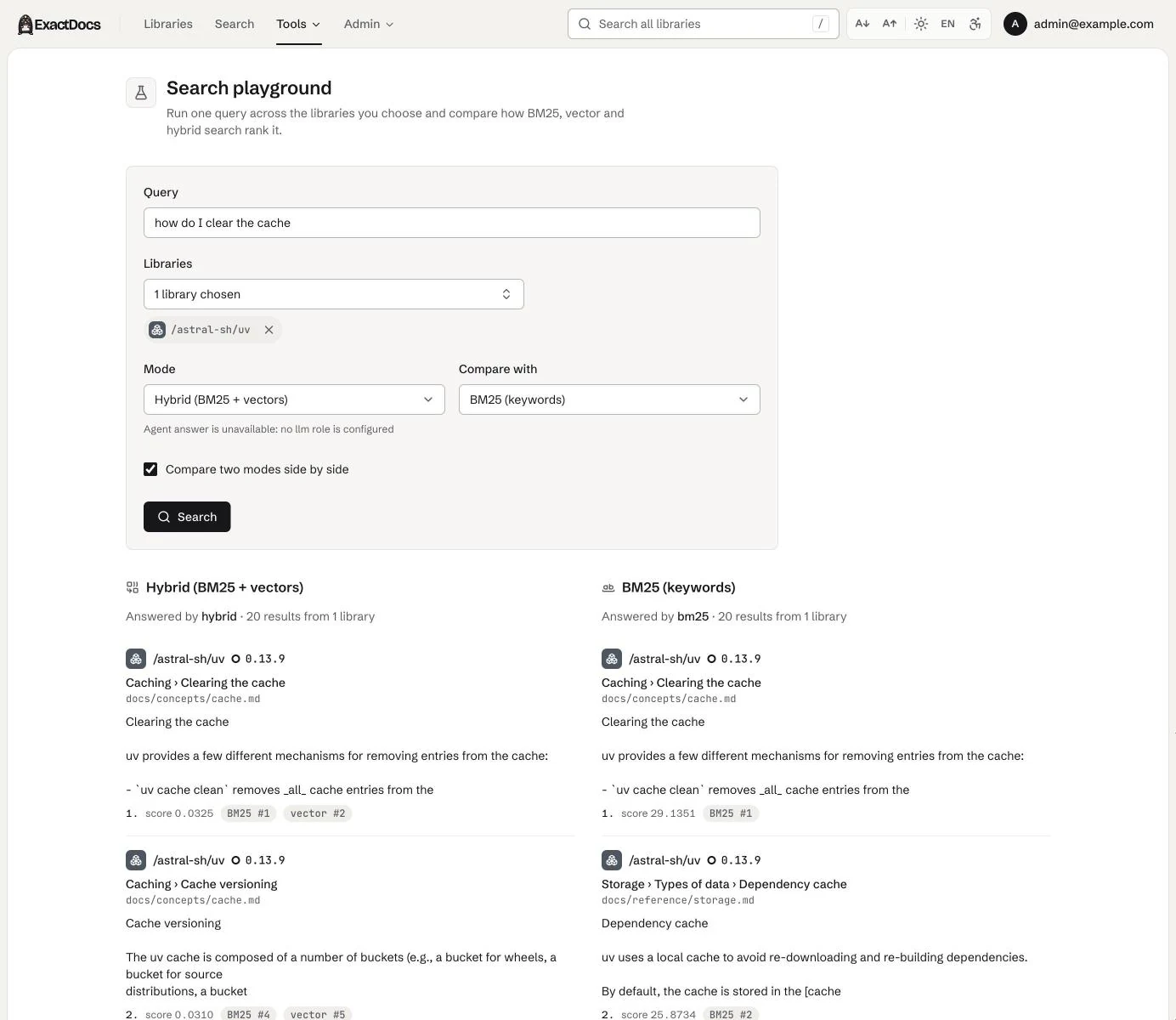
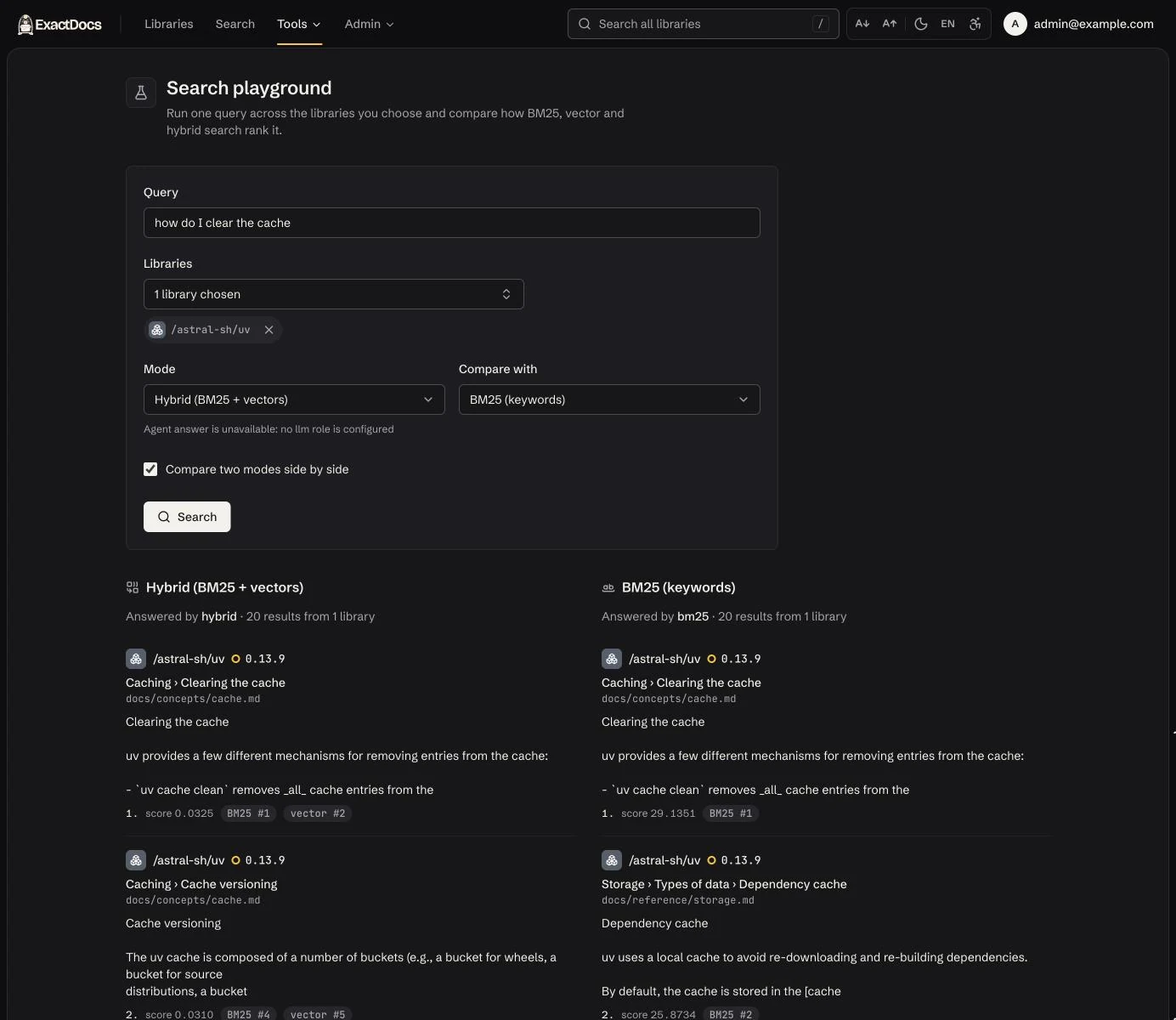
How well it finds things
The golden set is 321 questions about the docs of Starlette, Pydantic, TanStack Query, Zod and Electron, at three pinned versions each. With no model at all, BM25 puts a section that answers first for 70.4% of the 267 answerable questions and in the top 5 for 91.0%, at 133 ms p95 on 4 shared CPUs. Hybrid search on a small local embedding model reaches 76.0% and 92.5%. Hosted models have not run yet. Recommended defaults has the numbers and the known weak spots.
Use it
| Page | What is in it |
|---|---|
| Getting started | Start the server, create the admin, import a library use the CLI, private repositories, the sources file, webhooks accounts, sign-in through an identity provider |
| MCP | Connecting Claude, Cursor, VS Code and Codex; tokens; stdio; every tool and resource; context7 over REST |
| Sources file | Declaring libraries in exactdocs.sources.yaml, with sources plan and sources apply |
| Configuration | Every environment variable, the TOML file, sign-in providers and the secret key |
| Search and AI models | Retrieval modes, chunking and tags, AI providers, reranking, agentic search, local models, budgets |
| Deployment | Image variants, hardened Docker, reverse proxies, health checks, upgrades, backups, PostgreSQL, Supabase, observability |
How it is built
| Page | What is in it |
|---|---|
| Architecture | The system at a glance, then the modular monolith domains, ports and adapters, the data model, background jobs, vertical slices the tests that enforce them |
| Flows | Import, re-sync, query, retrieval modes and authentication as diagrams |
| REST API | Conventions, authentication, errors, and the library, version, sync and job endpoints |
| Retrieval evals | The eval suite that compares retrieval modes |
| Benchmark | The golden set, method, results and recommended defaults |
| Branching and releases | main and develop, SemVer and PEP 440 versionstag-driven releases to PyPI and ghcr.io CI runners, size budgets |
Where the project is going
| Page | What is in it |
|---|---|
| User stories | The main use case (git repository to Markdown to browsing) as user stories, plus what comes next and later |
| Delivery plan | The issues behind the user stories, by epic and milestone |
| AI retrieval decisions | Why the AI retrieval modes are built the way they are |
Which version this site describes
The site is published from the main branch, so it describes the latest release. Anything not
built yet is marked planned. The screenshots are taken from the develop branch by
just screenshots, with the test fixture libraries and a stand-in embedding model.
About the diagrams:
- They are Mermaid, and CI parses every one of them.
- This site loads Mermaid from unpkg, pinned to 12.3.0 (the version CI checks with).
- That request is made by the documentation site only, never by the running app.
The README, the contributing guide and the agent skills live in the repository.