Accounts and sign-in
TL;DR
- The web UI session is an HttpOnly cookie that ends after 7 days without use or 30 days at
most, and works only on
/api. A lost admin password is reset withexactdocs admin reset-password. - After 5 failed sign-ins, each further attempt waits, from 5 seconds doubling up to 15 minutes.
Behind a proxy, set
EXACTDOCS_FORWARDED_ALLOW_IPS. - Operators add local accounts with
exactdocs user …or the Users page. There is no sign-up. - Any OpenID Connect provider can sign people in. Access and role follow the provider's groups, and password sign-in always stays available as a break-glass path.
- Each library has four roles (viewer, contributor, admin, creator). API tokens and MCP clients act as their user.
Sessions and lost passwords
- The web UI signs in with
POST /api/v1/session. - The session is an HttpOnly, SameSite=Lax cookie. It ends after 7 days without use or after 30
days at most, and it only works on
/api, never on/mcp.
Lost the admin password? Run exactdocs admin reset-password on the machine (same options as
admin create). It sets a new password, signs the admin out everywhere and revokes the API tokens.
Password sign-in stays available
Password sign-in always stays available, also when you add an identity provider. The setup creates the first admin as a local account, so it works as a break-glass account even while every provider is down.
Failed sign-ins are throttled
The throttle covers the web UI's sign-in and exactdocs login alike.
- Every attempt counts against its client address (for IPv6, its /64) and its username at once, before the password is checked. A burst of concurrent guesses therefore gets no more tries than guesses sent one by one.
- After 5 failed attempts, each further one must wait, 5 seconds at first and
doubling up to 15 minutes. In the meantime it is answered 429
rate_limitedwith aRetry-Afterheader. - A right password gives back its own attempt (without restarting the address's wait) and clears its username's count.
- An address that has signed into a username in the last 30 days is held only
to its own count, not to the username's.
- Others failing for the admin's username therefore cannot lock the admin out of a machine they already use; a new address still waits.
admin reset-passwordforgets every address remembered for the username, so one that signed in with the old password is held to the username's count again.
- Behind a reverse proxy, list the proxy in
EXACTDOCS_FORWARDED_ALLOW_IPSso that the throttle counts the client's address rather than the proxy's (Deployment).
Where the counts live depends on the database:
| SQLite | PostgreSQL | |
|---|---|---|
| Counts and remembered addresses | in the server's memory | in the database (identity_failed_sign_ins, identity_known_sign_ins),shared by every process |
| A restart | clears them; nothing else does | keeps them |
admin reset-password |
runs in another process and cannot clear them | drops the username's count and its remembered addresses on every process |
| Old counts | gone at restart | each dropped once an hour has passed without a failure |
If the database is too busy to count an attempt within 5 seconds, the attempt is refused (429).
Throttled during a reset, or the old password may have leaked
If sign-ins are throttled while you reset a password (429), or the old password may have leaked:
- On SQLite, restart the server. That clears the throttle and the addresses it remembers. Otherwise an address that signed in with the old password is not held to the username's count.
- On PostgreSQL, the reset also clears the username's count and forgets every address
remembered for it. The new password works at once on every process, and every address is held
to the username's count again (other addresses' and other usernames' counts stay). If the
command warns that the sign-in throttle was busy or failed, the password has still changed:
run the command again, which is safe, or wait out the
Retry-After.
Local user accounts
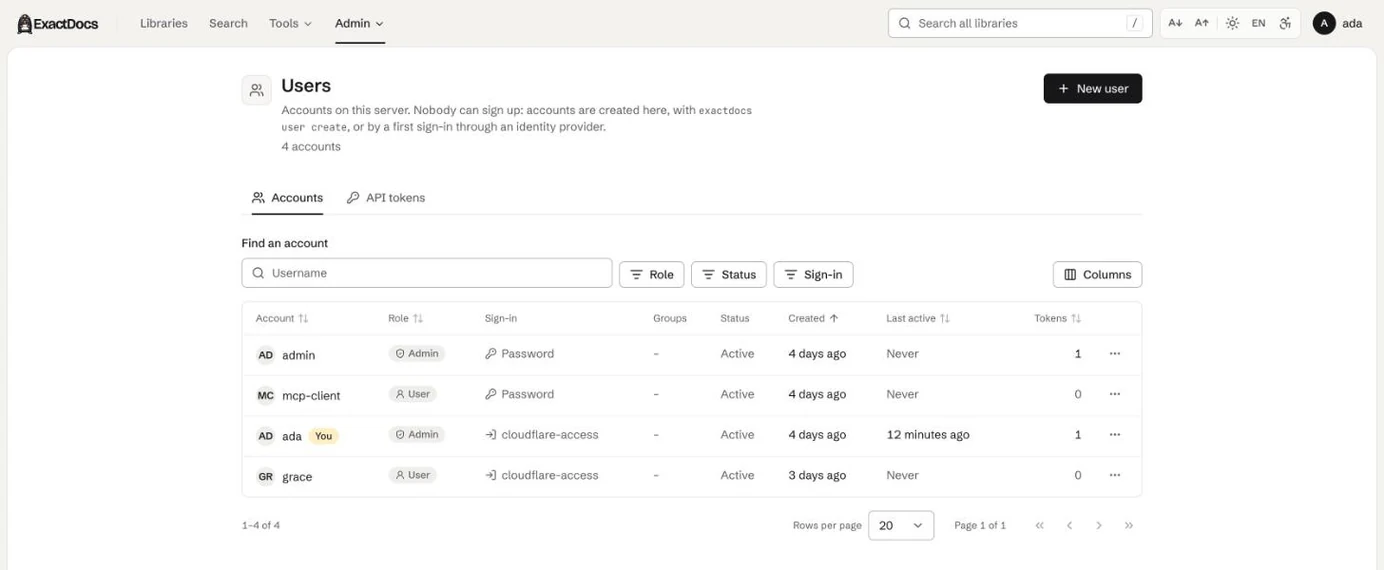
The setup creates the first admin. After that, an operator (any account with role admin) adds
more local accounts. There is no sign-up page or route, so nobody creates their own account.
exactdocs user create bob                      # prompts for the password (or --password-stdin)
exactdocs user create carol --operator         # an admin, who also manages accounts
exactdocs user disable bob                     # signs bob out everywhere and revokes his API tokens
exactdocs user enable bob                      # lets him sign in again (with the same password)
exactdocs user reset-password bob              # new password; his sessions end, his tokens are revoked
- Like
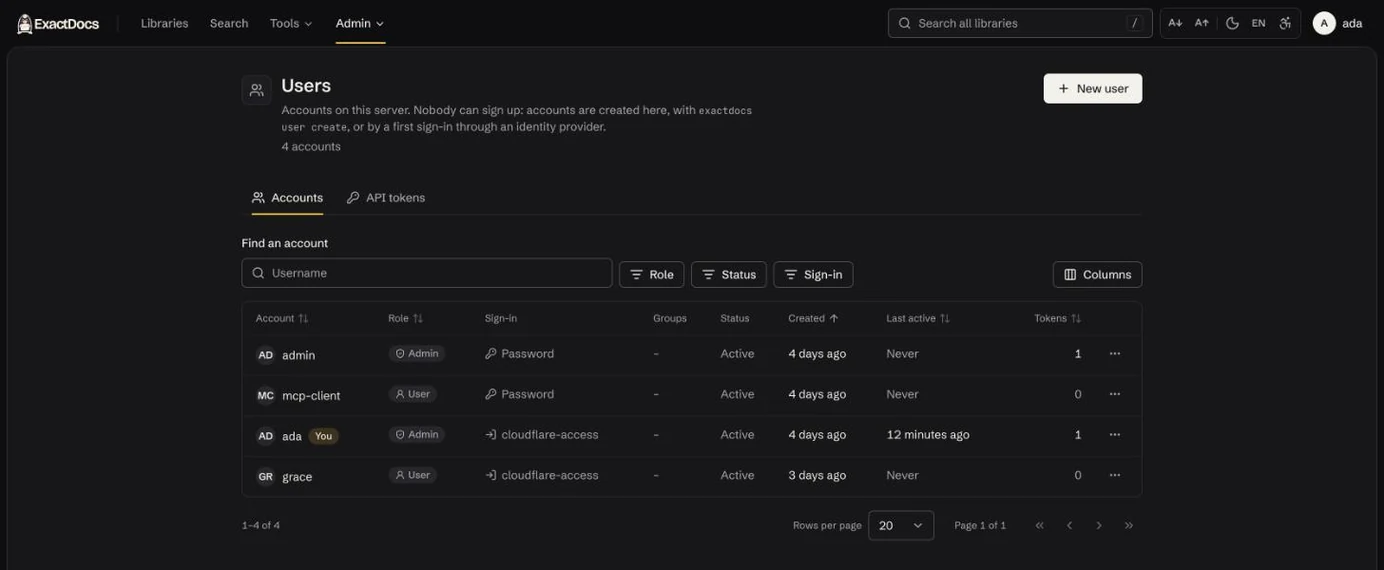
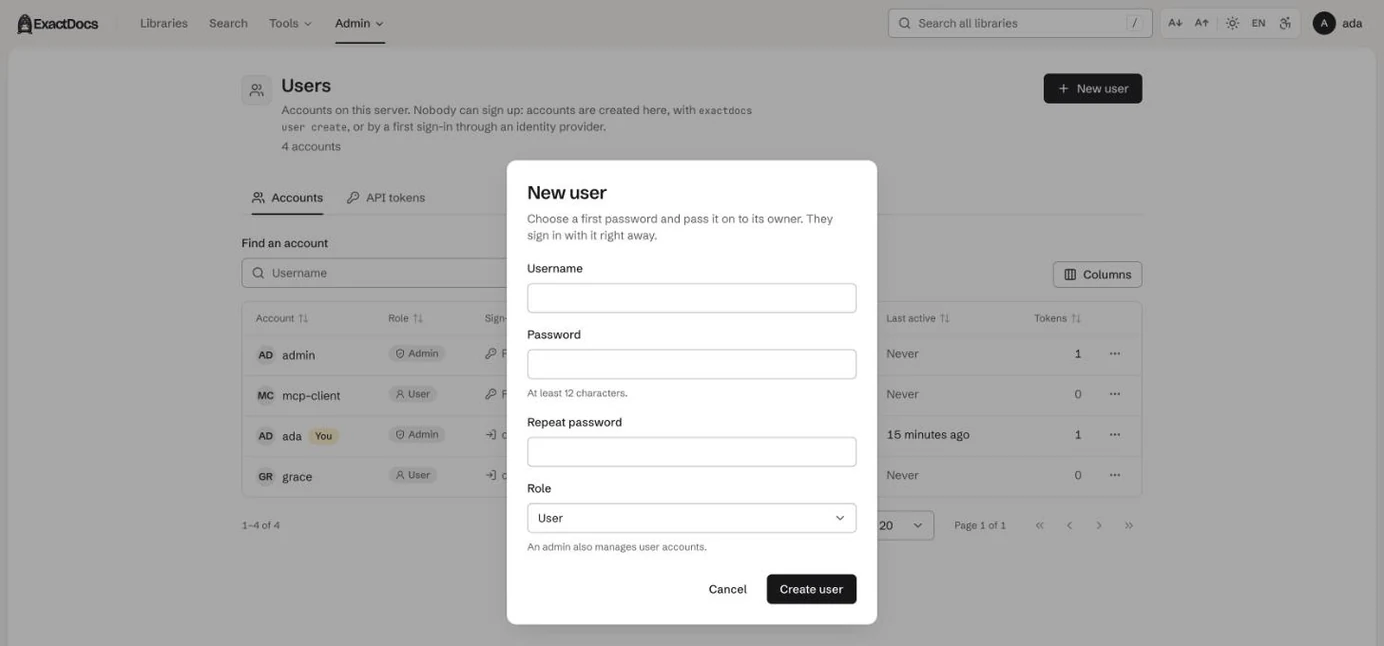
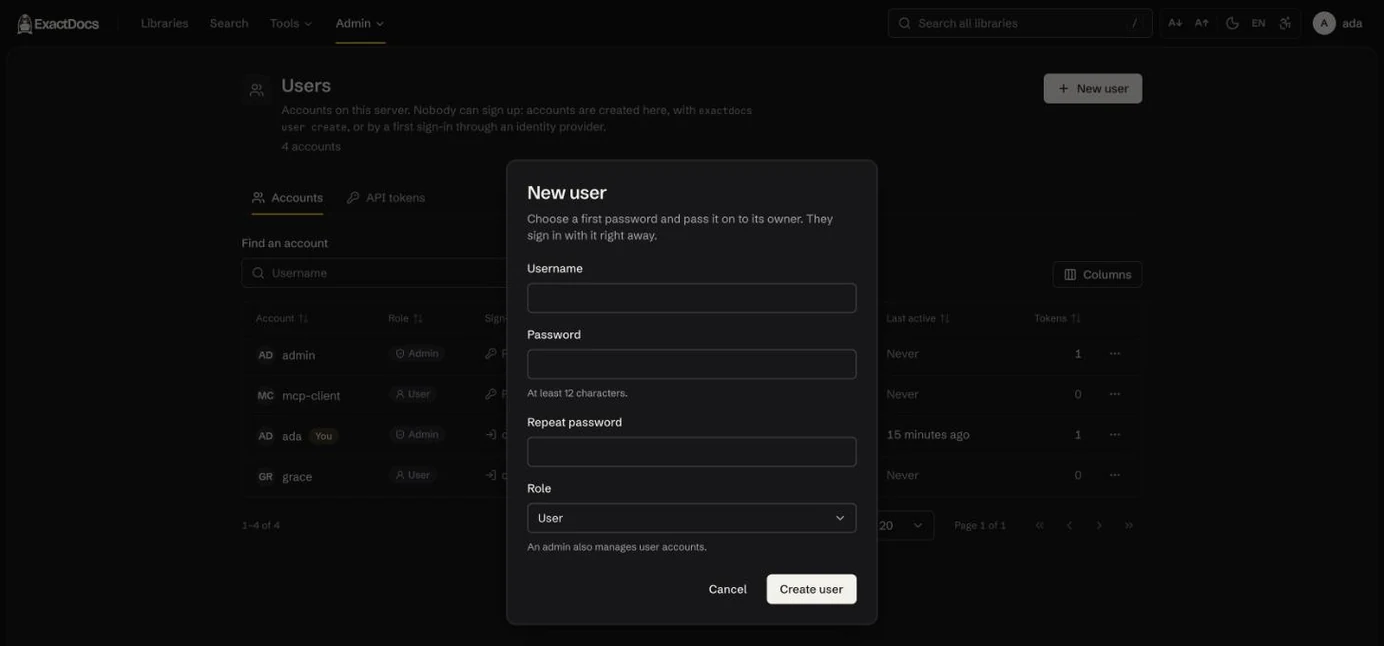
admin create, these open the database directly (in Docker,docker exec -it exactdocs exactdocs user create bob). - An admin can do the same on the Users page of the web UI (
/users; the API is/api/v1/users, see REST API), which other accounts neither see nor reach (403).
Rules:
- A disabled account cannot sign in; it gets the same answer as a wrong password. Its sessions and tokens are refused at once. The last enabled admin cannot be disabled.
- Enabling an account ends any session or token stored while it was disabled, so nothing that raced the disable comes back.
- The Users page offers no reset of your own password, since it would sign you out.
- Anyone with a local account changes their own password under Account settings instead
(
PUT /api/v1/account/password). The current one goes first, checked like a sign-in and throttled the same way. - Their other sessions end, this one stays, and their API tokens keep working.
- A lost password still needs
exactdocs user reset-password <you>or another admin. A reset also clears the username's sign-in throttle, asadmin reset-passworddoes.
- Anyone with a local account changes their own password under Account settings instead
(
- The Users page also lists the accounts made by a first sign-in through an identity provider, with their provider and groups.
Sign in through an identity provider
People can sign in with the identity they already have, through any OpenID Connect provider (Keycloak, Entra ID, Okta, Google, ADFS 2016+). Access follows the provider: someone who leaves an allowed group loses access to ExactDocs without anyone touching it.
Configure the provider in the TOML file that EXACTDOCS_CONFIG_FILE names, and set the public URL:
# exactdocs.toml (EXACTDOCS_CONFIG_FILE); the client secret never goes in this file
public_url = "https://docs.example.com"

[auth.providers.corp]            # the name: lower-case letters, digits, hyphens
kind = "oidc"
display_name = "Corp SSO"        # the button says "Sign in with Corp SSO"
issuer = "https://idp.example.com/realms/corp"   # exactly as discovery's `issuer`
client_id = "exactdocs"
# client_secret: EXACTDOCS_AUTH__PROVIDERS__CORP__CLIENT_SECRET, or client_secret_file = "/run/secrets/corp"
allowed_groups = ["docs-readers"]   # or allow_any_user = true; one of the two is required
admin_groups = ["exactdocs-admins"] # role admin while in one of them, else user
# groups_claim = "groups"           # a dotted path: Keycloak "realm_access.roles", ADFS "group"
- At the provider, register
https://docs.example.com/api/v1/auth/corp/callbackas the client's redirect URI. The client can be confidential (with a secret) or public (without one). - The sign-in page then shows a Sign in with Corp SSO button next to the password form.
- You can configure several providers at once.
- Configuration lists every field, and Deployment explains the public URL behind a proxy.
The flow
The flow is the authorization code flow with PKCE (S256), state and nonce.
- ExactDocs reads the provider's discovery document from the issuer's
/.well-known/openid-configurationon the first sign-in and caches it for an hour. Itsissuermust equal the configured one exactly, and the issuer must be HTTPS. - The ID token must:
- be signed by a key from the provider's JWKS with an asymmetric algorithm the provider
advertises (never
noneorHS*) - carry the configured issuer
- carry the client ID in
aud(and inazpwhen it is present oraudnames several audiences) - carry the attempt's
nonce - carry times that are valid within 60 s of leeway
- be signed by a key from the provider's JWKS with an asymmetric algorithm the provider
advertises (never
- A new signing key is fetched when a token first names it, at most once a minute.
REST API and Architecture describe the sign-in routes and the stored data.
Accounts
- The first allowed sign-in creates an account with the role
user, oradminthroughadmin_groups. - The account is linked to the identity by its issuer and subject only, never by email or username, so a sign-in can never take over an existing account.
- It is named after the provider's username (or the local part of the email).
- When another account already has that name, local or from another provider, it is named
<username>@<provider>instead. - When that is taken too, the sign-in is refused with
username_unavailableuntil an operator frees a name. - A rename at the provider does not rename the account.
- When another account already has that name, local or from another provider, it is named
- An account from a provider has no password. Password sign-in and
exactdocs logintreat it as unknown, and a password reset is refused withexternal_account. Its owner creates API tokens on the Account page in the web UI.
Groups and role
- The groups are read at every sign-in and every revalidation, and they decide the role: someone who leaves the admin group is demoted at once, even if they were the last admin.
- Only members of
allowed_groupsget in, unlessallow_any_user = trueadmits everyone the provider vouches for.
Revalidation
ExactDocs asks for offline_access and keeps the refresh token, encrypted with the
secret key. Every revalidate_minutes (60 by default) it asks
the provider again:
| Answer | What happens |
|---|---|
| Still allowed | The groups and role are refreshed |
| A lost group or a revoked refresh token | The account's sessions end, and its API tokens are refused until its next allowed sign-in |
| The provider cannot be reached | Access continues for at most revalidate_grace_minutes (a day by default), then ends |
- A provider that issues no refresh token limits each session to
revalidate_grace_minutesafter sign-in. - Disabling an account deletes its refresh token, and a disabled account stays disabled whatever the provider says.
- Signing out ends the ExactDocs session only, so the session at the provider may sign you straight back in.
ADFS and Entra ID
ADFS (2016+) is an oidc provider with the issuer https://<adfs host>/adfs.
- Create an application group with a server application (client ID and secret) and the redirect URI above, and enable refresh tokens.
- Set
username_claim = "upn"(orunique_name) andgroups_claim = "group". - Add an issuance transform rule on the web API that sends the groups, for example Send LDAP
Attributes as Claims from Active Directory, mapping
Token-Groups - Unqualified Namesto the outgoing claim typegroup.
Entra ID puts at most 200 groups in a token. Beyond that, filter the groups sent to the app
on the Entra side, or use app roles with groups_claim = "roles".
Other kinds of provider
Two more kinds of provider sit next to oidc:
oauth2, for a provider without OpenID Connect (OAuth2-only sign-in)github, for GitHub or GitHub Enterprise with organization and team checks (GitHub and GitHub Enterprise sign-in)
Those pages list their fields.
Library roles and sharing
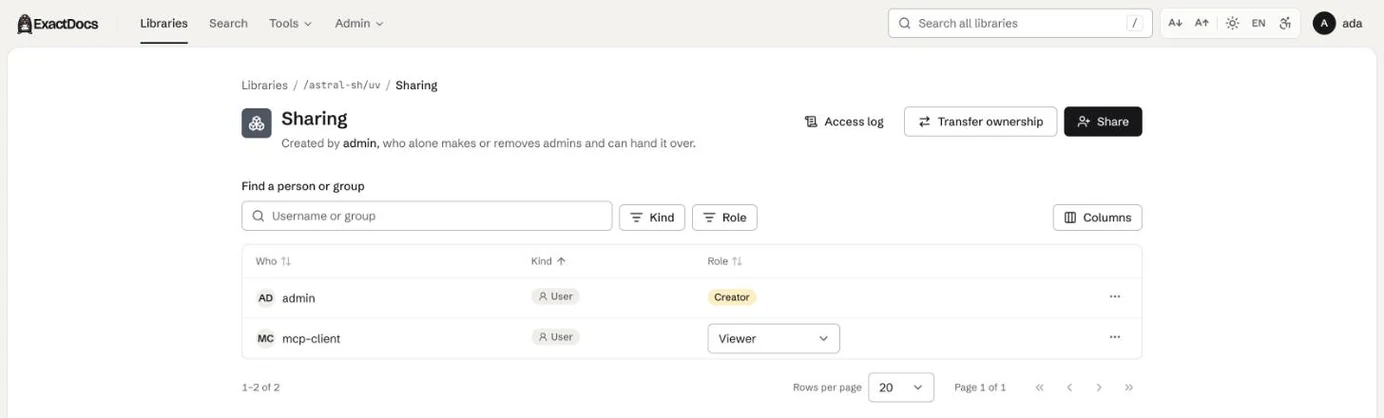
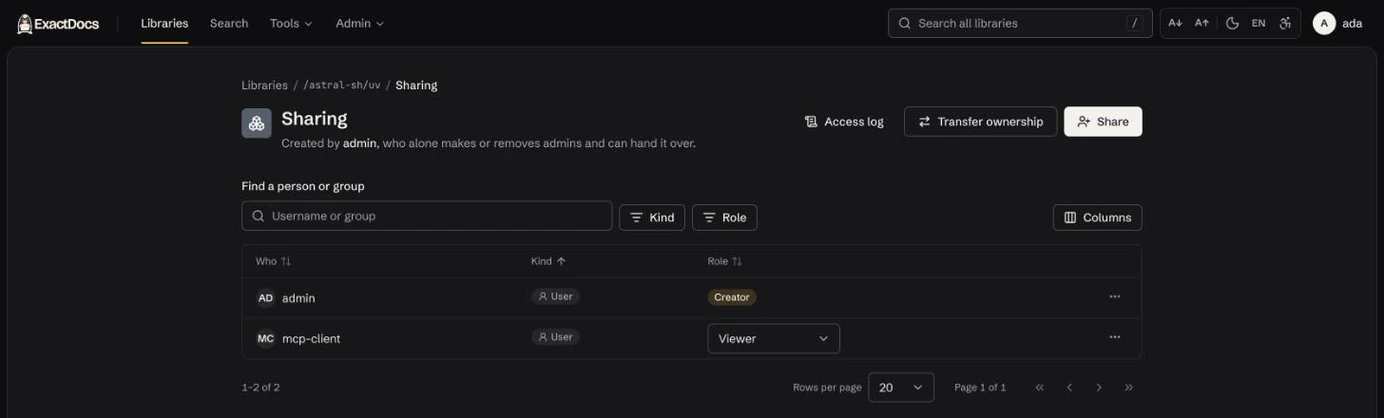
Each library has four roles, granted to users and to identity-provider groups:
| Role | Can |
|---|---|
| viewer | see the library in the UI and in MCP |
| contributor | also edit it: tags, paths, chunking, versions, re-sync |
| admin | also delete it and manage access |
| creator | the single owner (whoever created it): also remove admins and transfer ownership |
Sharing:
- A library you add makes you its creator. Share it from its Share button (the library's
Sharing page) or with
PUT /api/v1/libraries/{owner}/{repo}/grants. - Only the creator gives or removes
adminand hands the library over to another user (Transfer ownership), who becomes its creator while you stay an admin. - Operators (admins) hold every library and manage the accounts.
- Libraries that existed before roles have no creator, so other accounts see them only once an operator shares them.
- The AI providers and instance settings stay open to every signed-in account.
Audit:
- Every grant, revocation, ownership transfer and removal is recorded.
- A library's admins read its access log from its Sharing page or the Sharing section of its
settings. Operators read every library's on the Access log page (
/access-log).
Who sees what:
- Every signed-in account may add libraries unless an operator limits that to chosen users or groups (Who may create libraries).
- API tokens and MCP clients act as their user, so an agent sees exactly the libraries its user may view.
- A token can also be narrowed to chosen libraries:
--libraryonexactdocs token create, orlibrary_idsin the REST API. - Architecture explains how the roles are checked.