Getting started
TL;DR
- Start the server with one
docker runoruvx exactdocs serve, then open http://localhost:3000. - Until the first admin account exists, every
/api/v1request gets403 setup_required. Create the admin on the setup page, withexactdocs admin create, or over the API. - Add a library from a git URL, a ref and the paths to import. The import runs as a background job, and no model or API key is needed.
exactdocs config --client <name>prints the MCP snippet for your agent.
This page takes you from nothing to an agent that answers from your own docs:
The next steps cover the command line, private repositories, declaring libraries in a file, keeping branch versions fresh, adding more accounts and signing in through an identity provider.
Start the server
docker run -d --name exactdocs -p 3000:3000 -v exactdocs-data:/data \
  ghcr.io/sircypkowskyy/exactdocs:latest
uvx exactdocs serve
Then open http://localhost:3000.
What uvx exactdocs serve needs:
giton yourPATH: it refuses to start without it, because imports rungit.- Python 3.14, which
uvfetches it if it is missing. - SQLite 3.35 or newer. uv's Python and the Docker image both have it, and ExactDocs refuses to start on an older one.
An agent that only reads an existing database can use uvx exactdocs serve --stdio, which needs
neither git nor a port (see stdio).
Image variants
The image comes in three variants. All of them run plain BM25 search until you configure a model; Deployment explains which one to pick.
Create the first admin
A fresh instance does nothing but offer its setup: until the first admin account exists, every
/api/v1 request is refused with 403 setup_required. Create the admin on the setup page at
http://localhost:3000, from the command line or over the API:
docker exec -it exactdocs exactdocs admin create # prompts for username and password
uvx exactdocs admin create
# the password must be 12 to 1024 characters
curl -X POST http://localhost:3000/api/v1/setup -H 'content-type: application/json' \
  -d '{"username": "ada", "password": "a long passphrase"}'
admin createopens the database directly, so it works before the server is up and against the same data directory.- For scripts,
--password-stdinreads the password from stdin. - Passwords are stored as argon2id hashes, and at most 4 are checked at once.
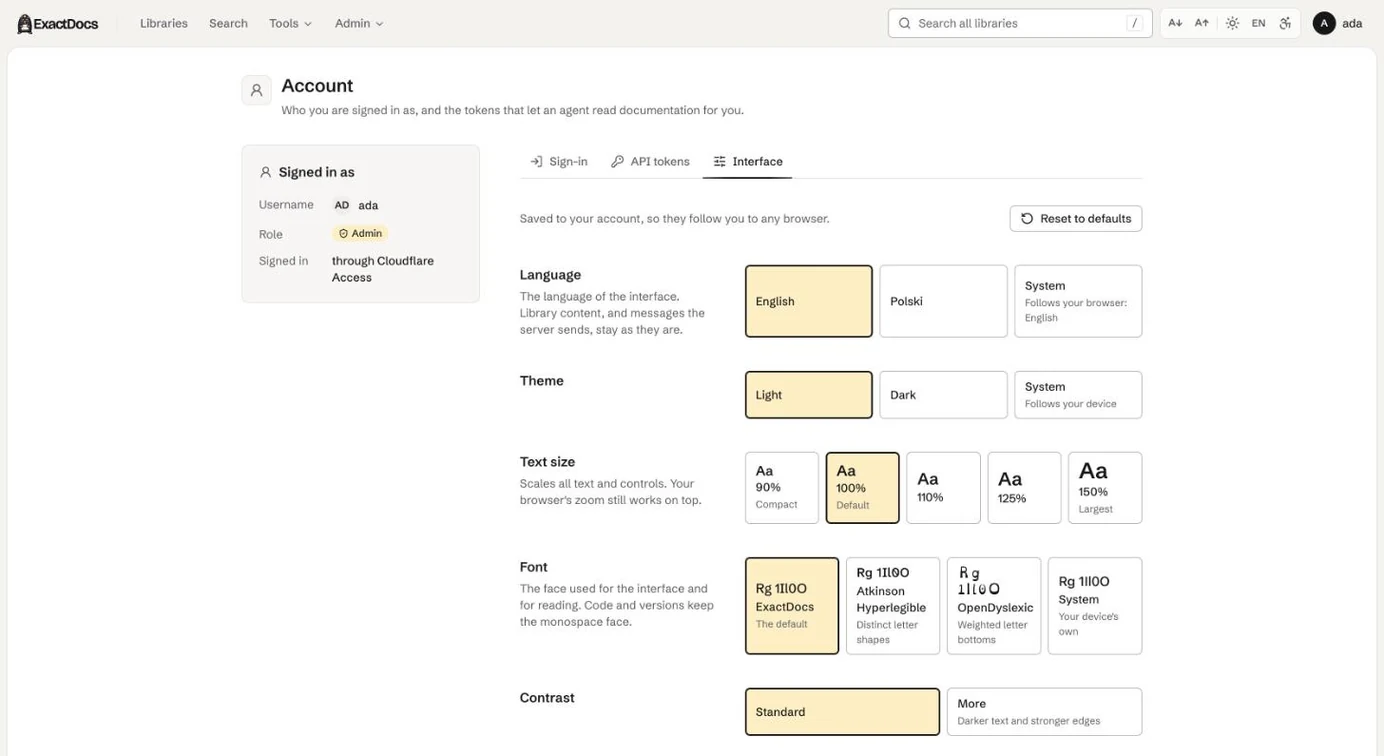
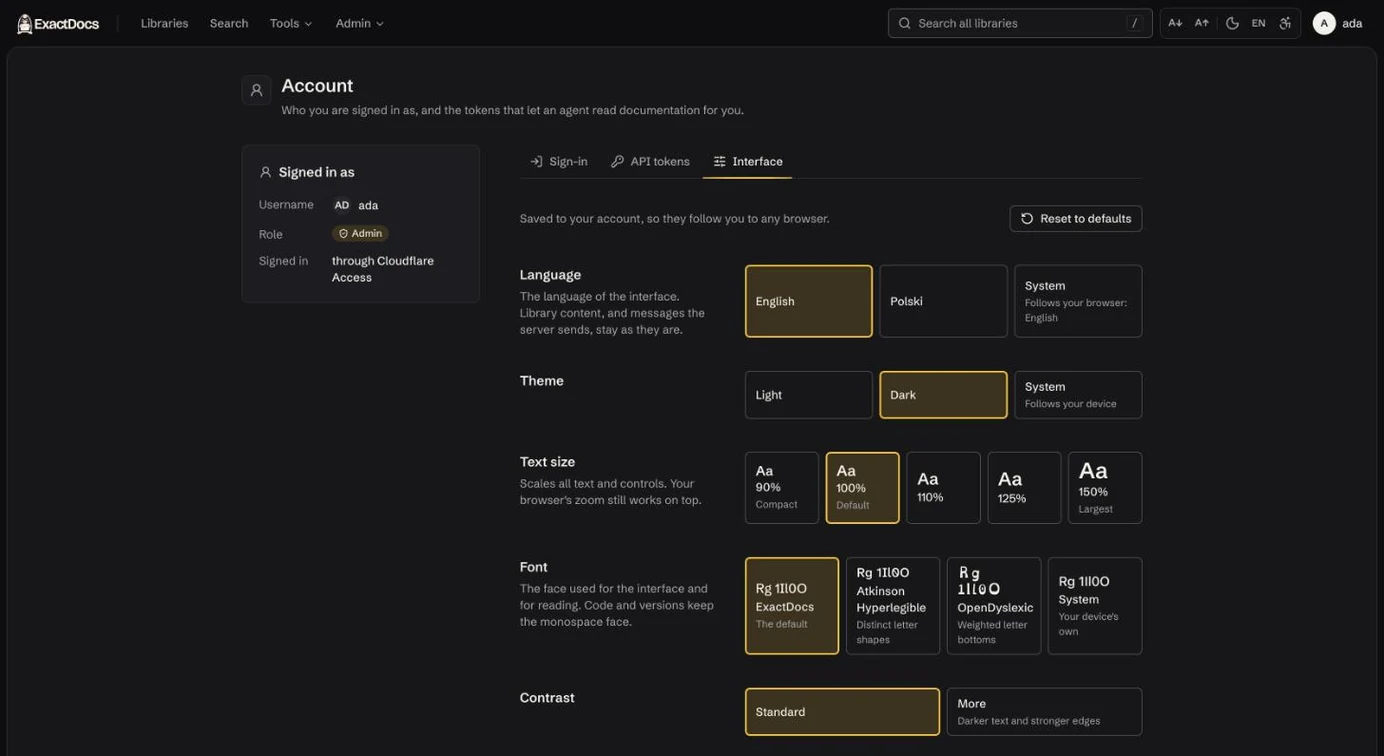
Add your first library
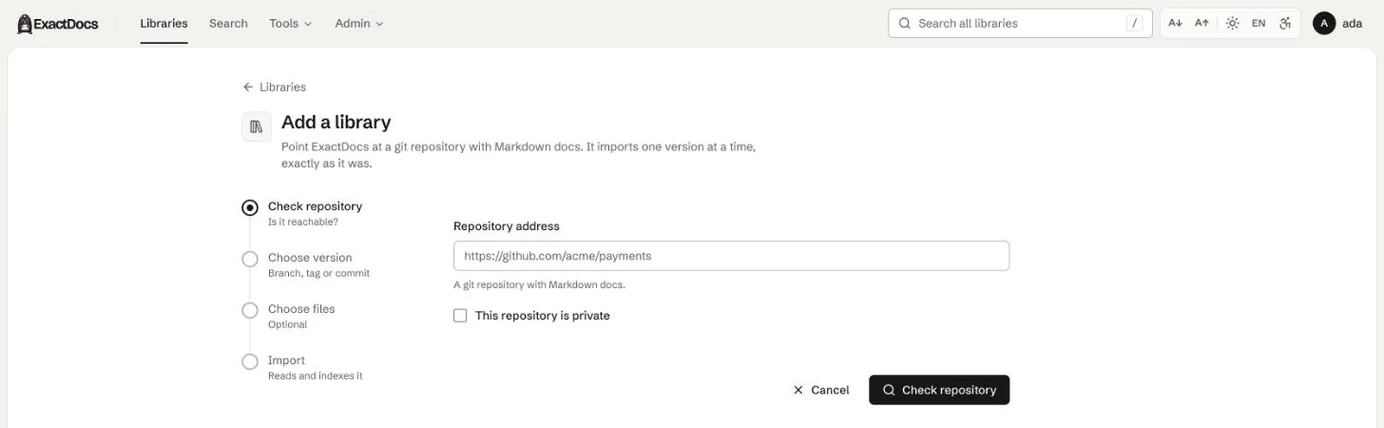
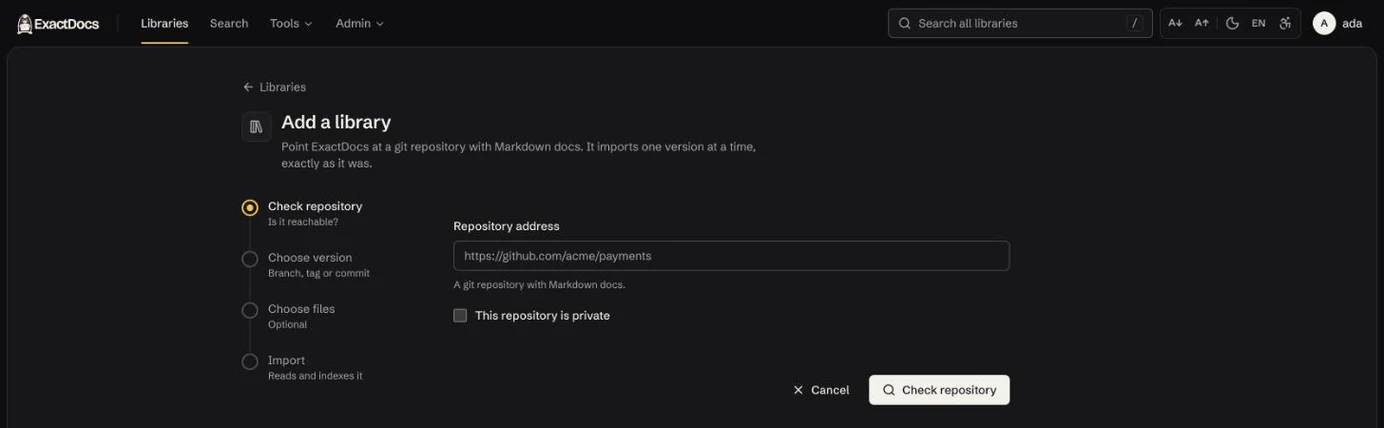
In the web UI, choose Add library and give:
- a git URL
- a ref (tag, branch or commit)
- the paths to import
Preview shows:
- the files that match, as a folder tree with counts
- what the repository's
context7.jsonsays. Its paths fill the empty path boxes, which you can still edit. - its
previousVersionsas checkboxes. The tags you tick are imported after the library is added.
The import runs as a background job; the UI shows its progress, the files it skipped and any problems. ExactDocs splits every article at its headings. A branch version is re-synced on demand and only the files that changed are chunked again.
What context7.json and the logo do
A context7.json at the repository root pre-fills the library:
- Added without paths, the library takes its folders and exclusions.
- Its title and description win over the README's.
- Its rules come first in every
query-docsanswer.
The REST API page has the details.
The import also looks for the project's logo:
- first an image the root README opens with, whose path or alt text says "logo"
- else a conventional file such as
logo.svgor.github/logo.png
ExactDocs keeps a bounded copy (an SVG cleaned of scripts and external references) and serves it itself, so showing a library loads nothing from the git host. A library without one has no logo, and a logo never fails an import.
From docker run to a searchable library, over REST
CI runs this flow on every change
(deploy/smoke.sh,
sh and curl only, against a fixture repository).
- It takes well under five minutes and needs no model and no API key.
- The example imports encode/httpx at tag
0.28.1, so the machine needs outbound access to GitHub.1
docker run -d --name exactdocs -p 3000:3000 -v exactdocs-data:/data ghcr.io/sircypkowskyy/exactdocs:latest
H='content-type: application/json'; U=http://localhost:3000
curl -X POST $U/api/v1/setup -H "$H" -d '{"username":"ada","password":"a long passphrase"}'    # 1. admin
curl -c jar.txt $U/api/v1/session -H "$H" -d '{"username":"ada","password":"a long passphrase"}' # 2. sign in
curl -b jar.txt $U/api/v1/tokens -H "$H" -d '{"name":"laptop"}'                                  # 3. token (shown once)
curl -b jar.txt $U/api/v1/libraries -H "$H" \
  -d '{"url":"https://github.com/encode/httpx","ref":"0.28.1","include_paths":["docs/"]}'         # 4. add; returns job_id
curl -b jar.txt $U/api/v1/jobs/<job_id>                                                          # 5. until "succeeded"
TOKEN=<token from step 3>; A="authorization: Bearer $TOKEN"   # reads below use the token, as an agent would
curl -H "$A" "$U/api/v1/libraries/encode/httpx/articles?ref=0.28.1"                              # 6. list ...
curl -H "$A" -G "$U/api/v1/libraries/encode/httpx/article" -d ref=0.28.1 -d path=docs/index.md   # ... and read
curl -H "$A" -G "$U/api/v1/libraries/encode/httpx/search" -d ref=0.28.1 -d q=timeout             # 7. search
Step 8: point your agent at http://localhost:3000/mcp with the token, as described in
MCP, and call query-docs with libraryId /encode/httpx/0.28.1.
Connect an agent
uvx exactdocs config --client claude            # claude, claude-desktop, cursor, vscode, codex
uvx exactdocs config --client codex --stdio     # local, read-only, no token
config prints a snippet to paste into the client's configuration. MCP covers the
snippet, tokens, stdio and every tool.
Next steps
| Page | What it covers |
|---|---|
| Command line | Signing in, managing libraries and tokens, ctx7-style queries, exit codes |
| Private repositories | Access tokens and deploy keys, how they are stored, how ExactDocs runs git |
| Declare and sync libraries | exactdocs.sources.yaml, scheduled syncs and webhooks on push |
| Accounts and sign-in | Sessions, the sign-in throttle, local users, identity providers, library roles |
-
CI itself needs no network for this: it imports a fixture repository served locally. ↩